Blog
Guides: test it, read the result, fix it
Step-by-step guides for every test in the toolbox — what a pass looks like, what a failure means, and what to do next.

How to Test Your Webcam When It's Not Working
Webcam black, frozen or not detected? Test your webcam in your browser first, then work through the fixes in order: permission, privacy shutter, app conflicts, drivers and resolution.
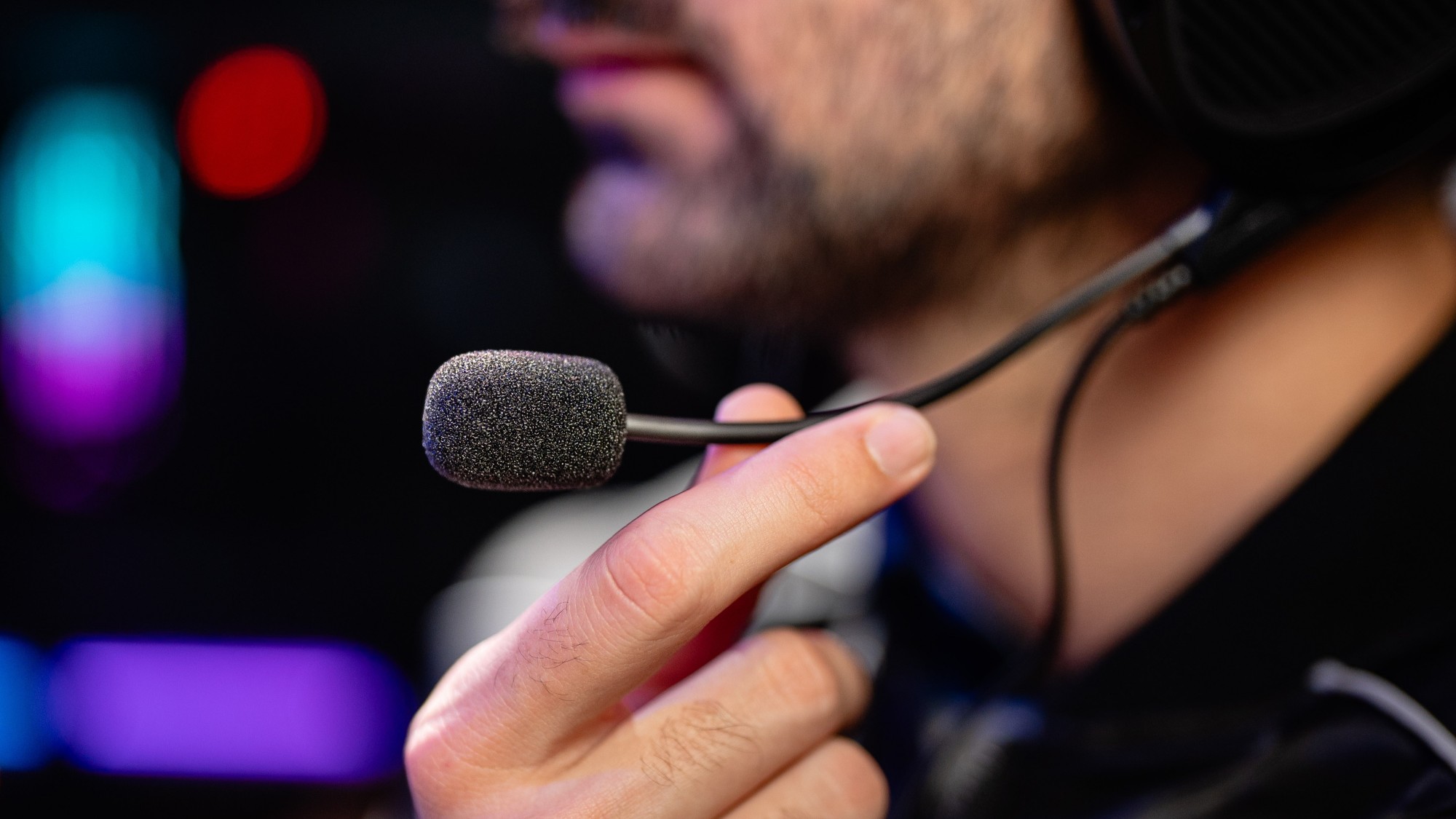
How to Test Your Microphone and Fix It When No One Can Hear You
No one can hear you on calls? Test your microphone with a live waveform and a record-and-playback check, then fix the real cause: wrong input selected, muted hardware, low gain or a blocked permission.

Dead Pixel Test: How to Find Stuck and Dead Pixels on Your Screen
Dead pixel vs stuck pixel: what each one is, how to find them with a full-screen colour test, what might revive a stuck pixel, and what your warranty is actually likely to cover.

Keyboard Keys Not Working? How to Test Every Key
One key dead, keys repeating, or a whole row out? Test every key methodically, tell software faults from hardware faults, and fix the common causes before you replace the keyboard.
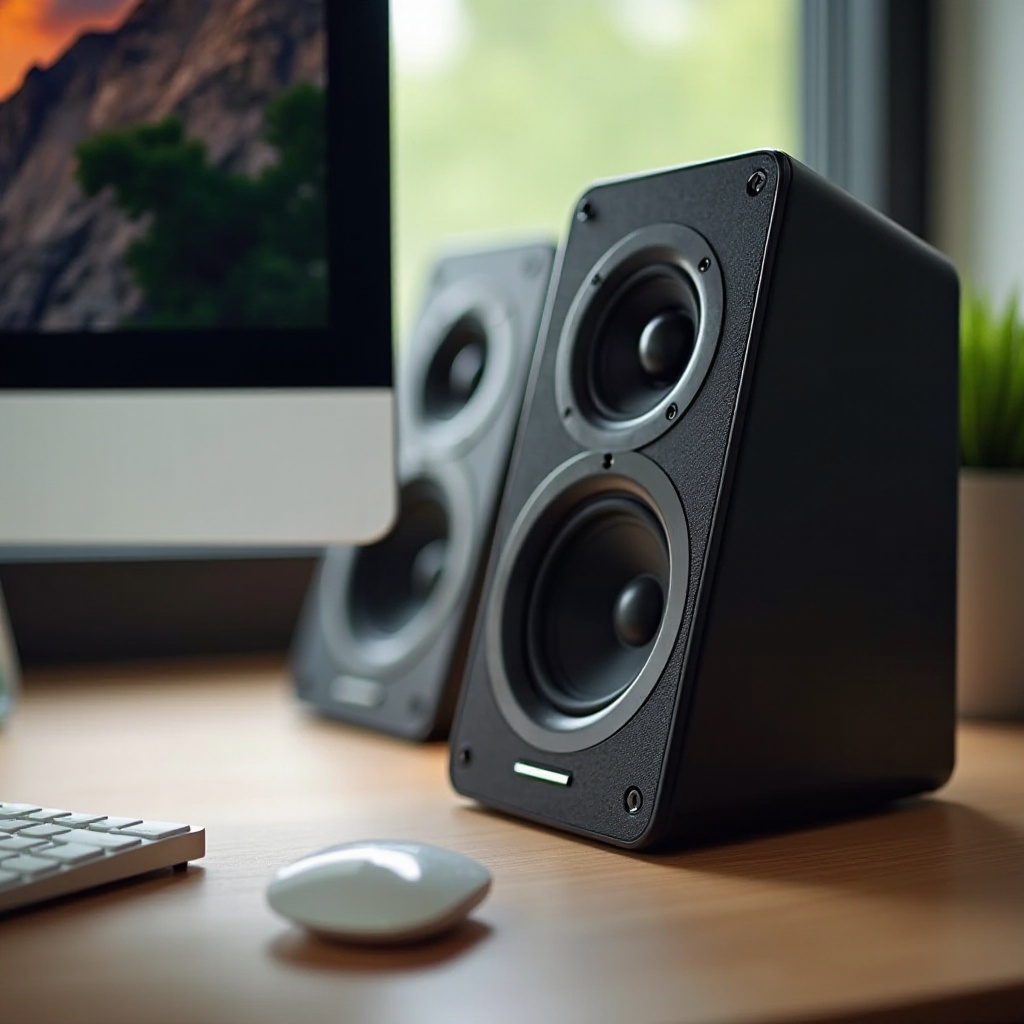
How to Test Your Speakers and Fix No Sound
No sound, sound from one side only, or channels swapped? Test left and right speakers separately with test tones, then trace the fault through volume, output device, cables and mono settings.
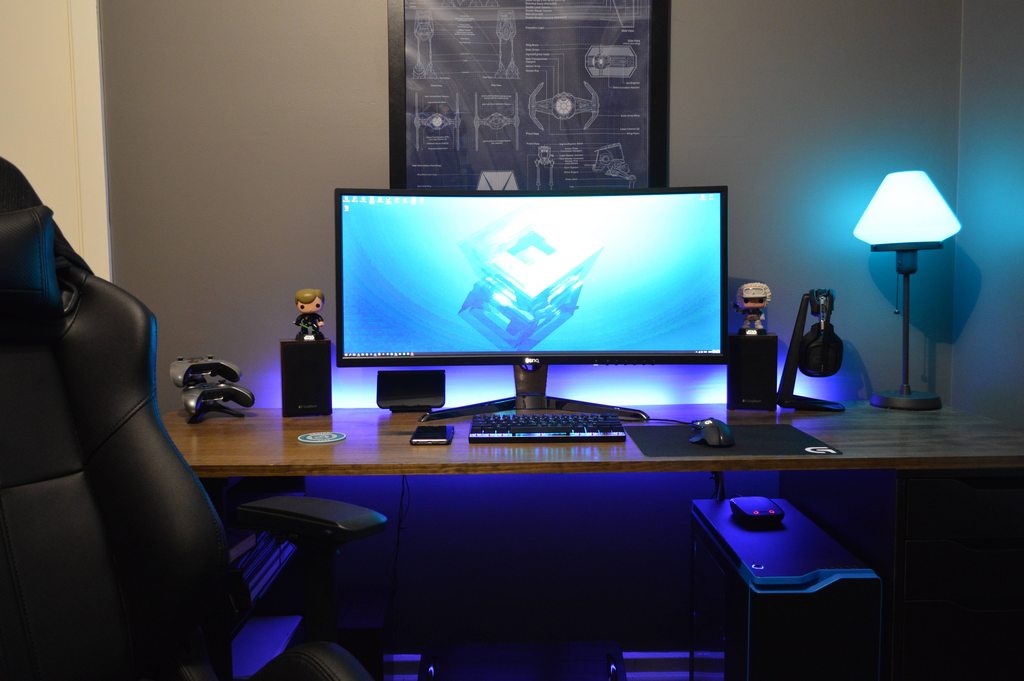
What Is Refresh Rate and How to Check Yours
Refresh rate explained in plain terms: what Hz means, why a 144 Hz monitor might be running at 60 Hz, how to measure your real rate, and the cable, port and settings fixes that unlock it.
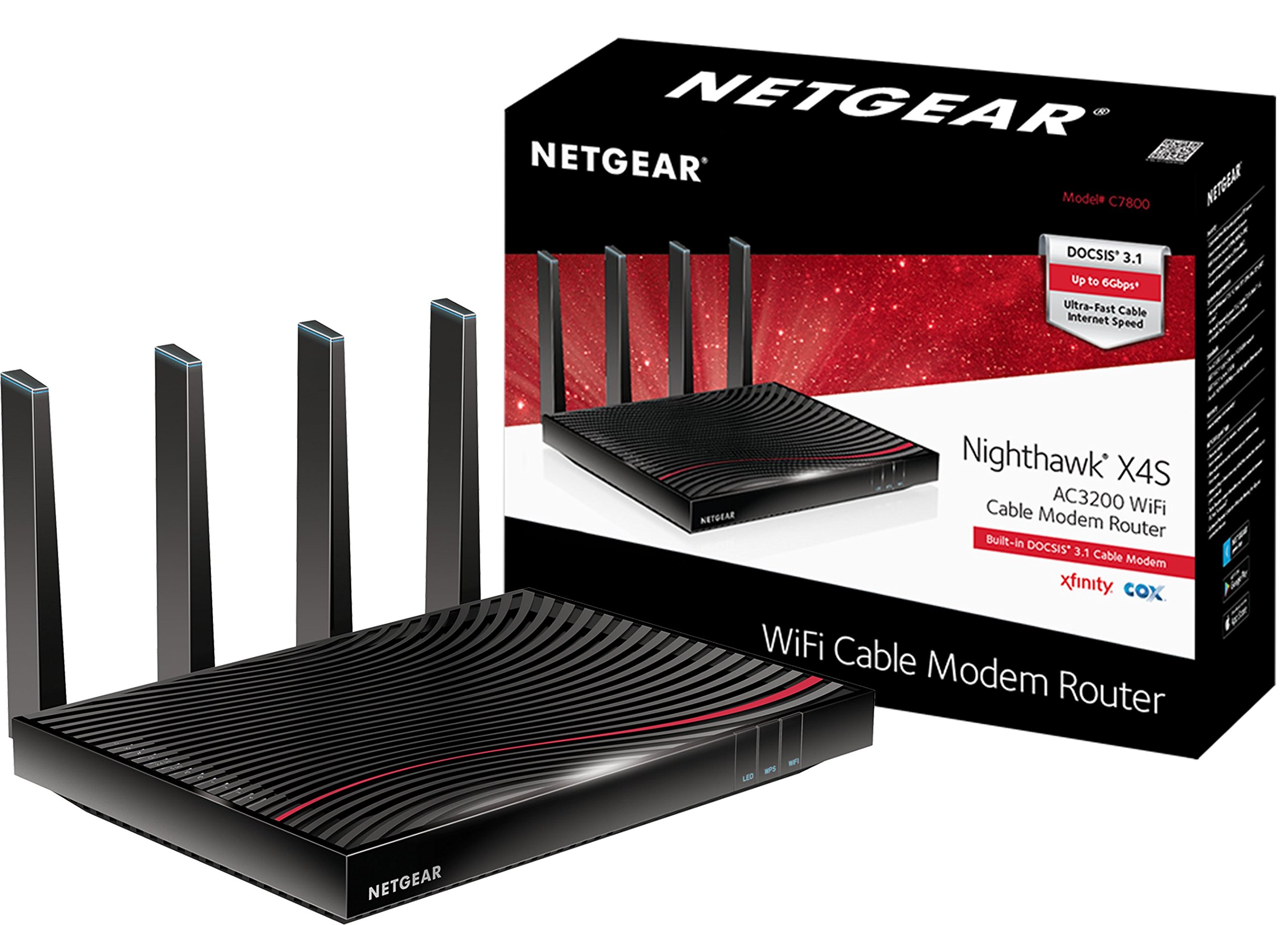
Internet Speed Test: What Is a Good Download and Upload Speed?
What download, upload and ping numbers actually mean, what speeds common activities really need, how to run a fair speed test, and how to tell a Wi-Fi problem from a provider problem.
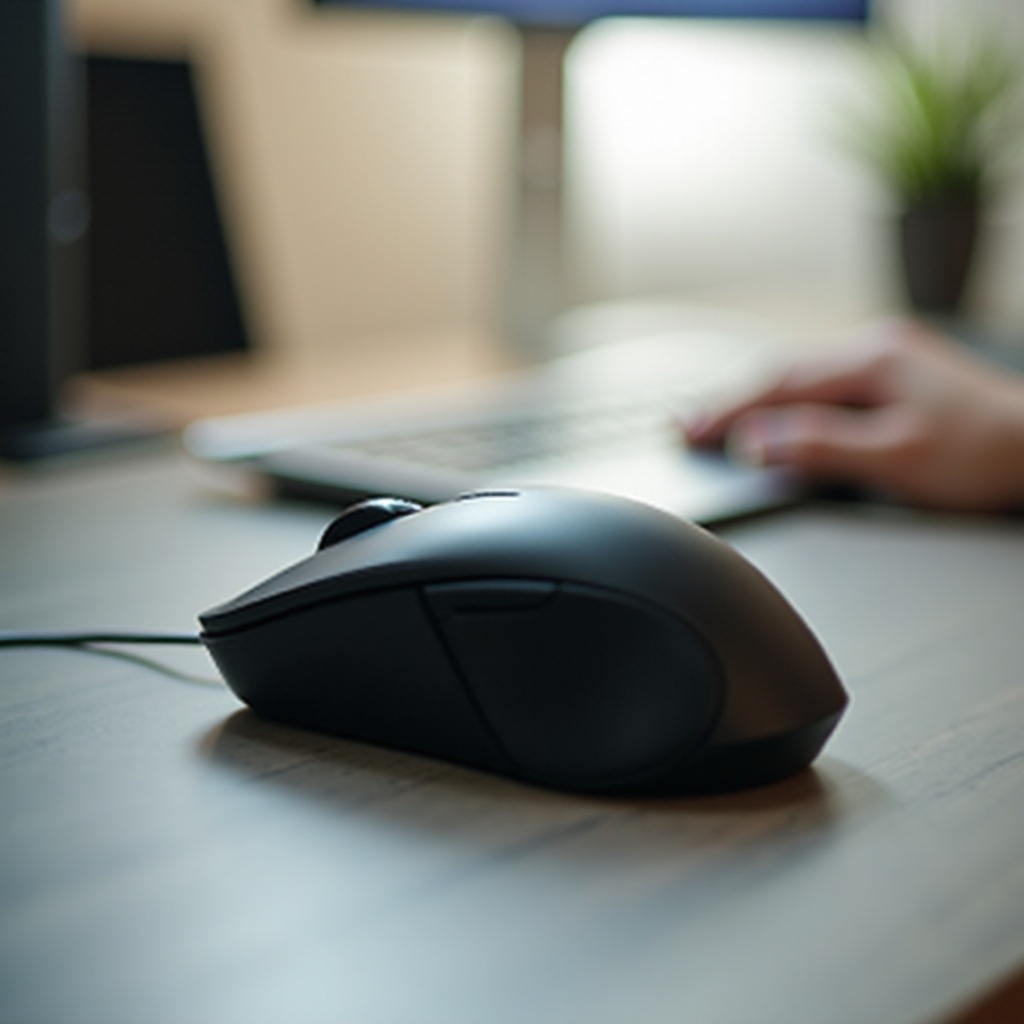
How to Test Your Mouse for Double-Clicking and DPI Problems
Mouse double-clicking by itself, skipping, or feeling wrong? Test clicks, double-click timing and scroll behaviour, learn what chatter means, and understand DPI and polling without the myths.
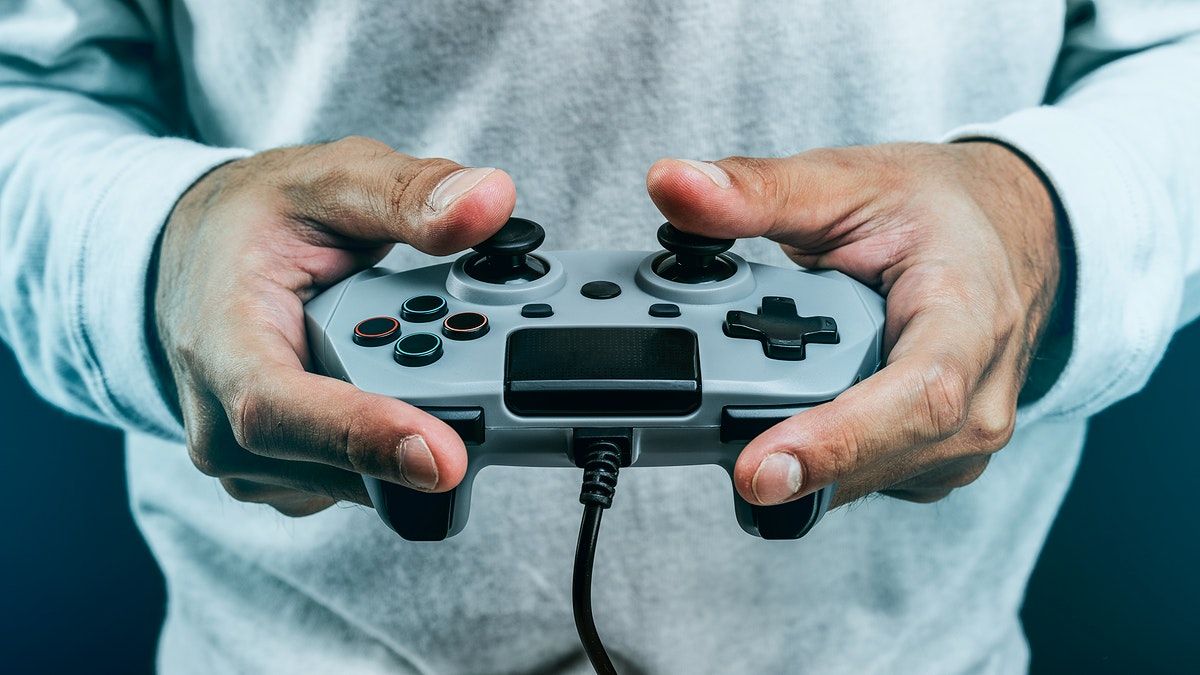
How to Test a Game Controller on Your PC
Controller not detected, buttons dead, or sticks drifting? Test every button and stick on your PC in the browser, fix connection problems, and judge stick drift fairly before you replace it.
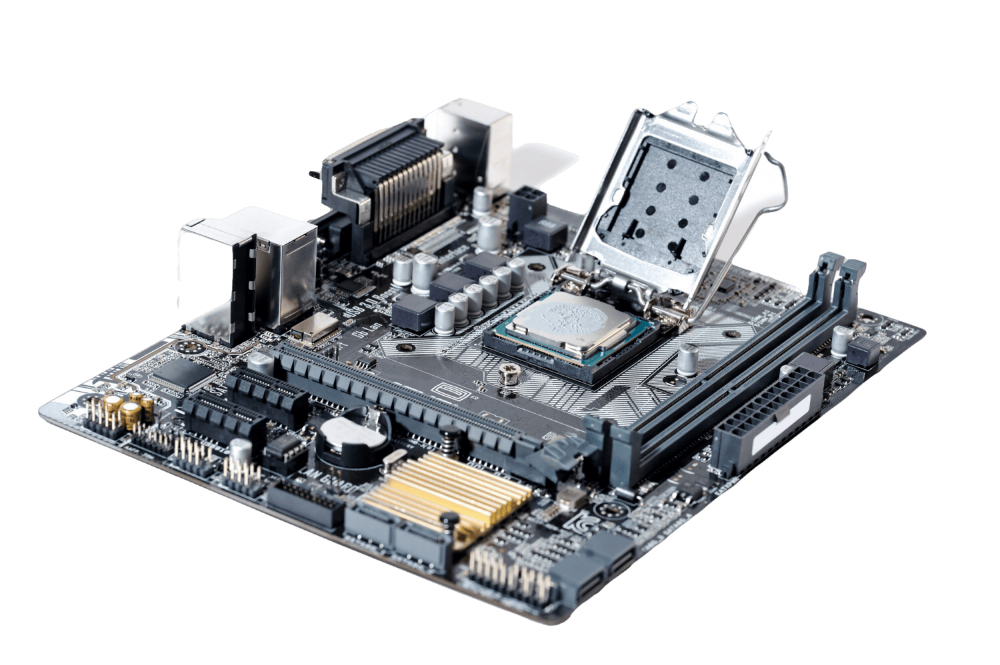
How to Check Your PC Specs and What They Mean
CPU, RAM, GPU, storage and display specs explained: how to check what your PC actually has, what each figure governs, and how to use the numbers when software lists its requirements.